
Extended Content
Add and organize content in bulk from the back end with content placeholders used across multiple relating pages.
The Extended Content page was created for users to be add to organize date in bulk from the back end of the system. Extended Content acts as content placeholders that will be used across multiple relating pages. Users are able to gather and determine where the content will go from the extended content page. They can then access the content in the different pages and refer back to in code easily.
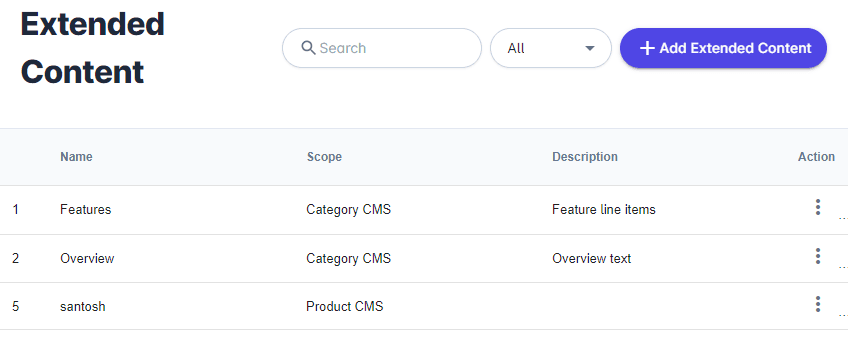
From your Unified Admin, go to Print Store>Content>Extended Content
- To filter, use the search bar to find content using keywords like ID number, Name, Scope, and Description or select a specific scope in the drop down menu to the right.
- To add content, click the +add Extended Content button in the top right corner and enter the name, choose the scope, and add a description.
- Click Save when finished.
| Column | Description |
|---|---|
| Id | The unique activity id. |
| Name | The name of content. |
| Scope | Where the content is being added. |
| Description | A short description of the content. |
| Action | Option to edit and delete content. |